Temporary Phone Number for Verification
Temporary Phone Number for Verification
Free vs paid temporary phone numbers for SMS verification: why free numbers fail, what works for WhatsApp and Telegram, and how to stay safe.
What is a temporary phone number for verification?
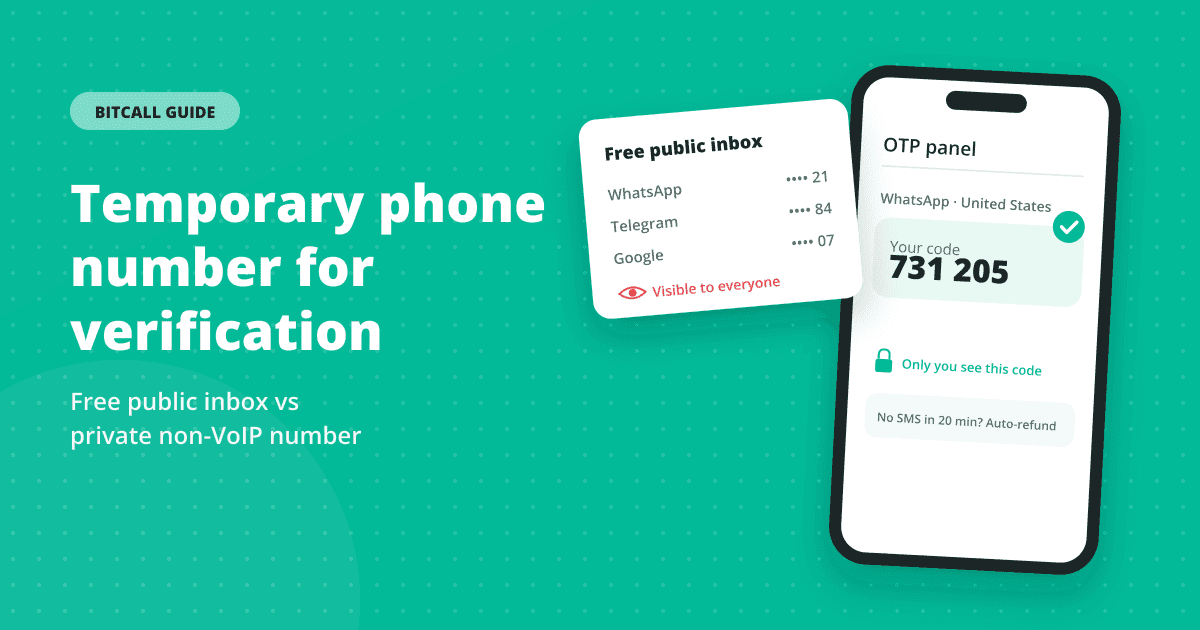
A temporary phone number is a number you use to receive one verification code instead of giving out your personal number. It is useful when you sign up for an app, test a service, or simply want to keep your own number private.
There are two very different kinds. Free public numbers are listed on receive-SMS websites and shared by everyone. Private numbers are paid, and only you see the code.
Why free temporary numbers usually fail
- Shared by everyone. A free number has usually been used for the same app many times already, and apps limit how many accounts one number can verify.
- Public messages. Every SMS to a free number appears on an open web page. Anyone can read your code and use it before you do.
- VoIP numbers get filtered. Many free numbers are online (VoIP) numbers, and services increasingly check the line type before sending a code. Twilio describes VoIP numbers as "often correlated with bots" (source).
- They disappear. Free numbers rotate, so you can't get a second code later to log back in or recover the account.
That is why searches for a "free phone number for verification" so often end with "this number can't be used". See non-VoIP numbers explained for how that check works.
Temporary numbers vs phone-number apps
Second-number apps such as Google Voice give you a number that works over the internet. That is handy for calls, but for verification it has the same weakness as free numbers: it is a non-fixed VoIP number.
Twilio explains that non-fixed VoIP numbers need no physical address and are "what you get with Google Voice", which is exactly why many sign-up flows filter them out (source). A temporary SIM-based number avoids that check because it sits on a carrier's mobile range.
Free vs paid temporary numbers
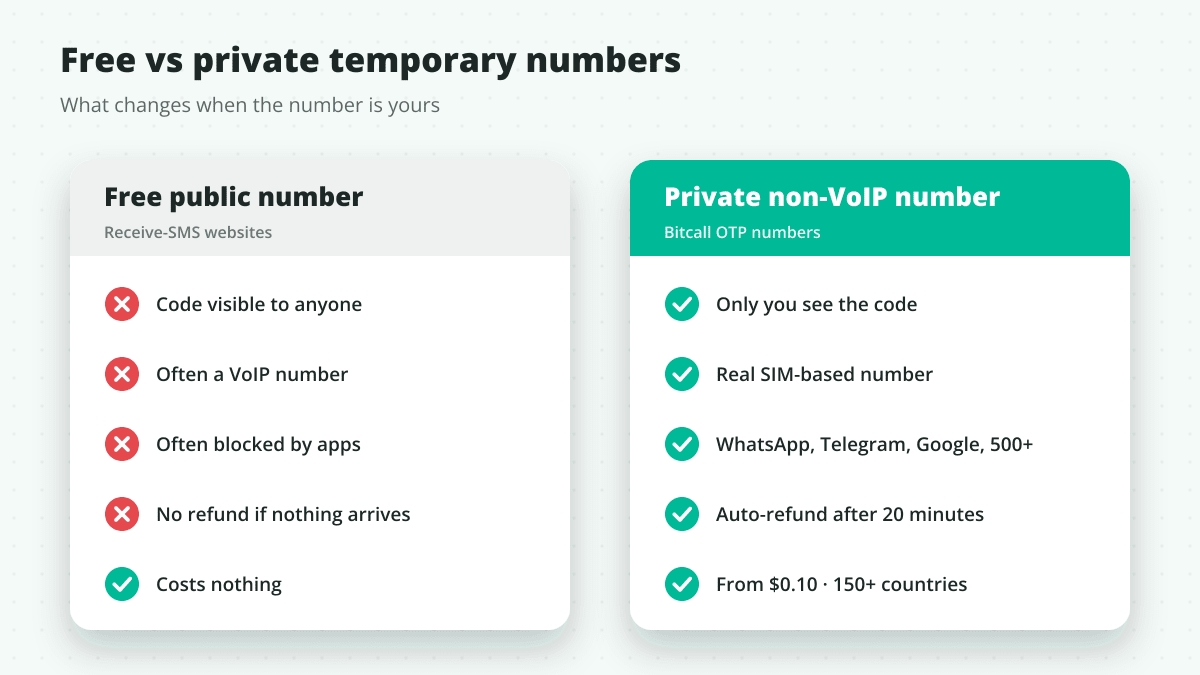
| Free public number | Private non-VoIP number (Bitcall) | |
|---|---|---|
| Who sees the code | Anyone who opens the page | Only you, in your OTP panel |
| Number type | Often VoIP | Real SIM-based mobile number |
| Accepted by apps | Often blocked | Accepted by WhatsApp, Telegram, Google, Instagram and 500+ services |
| Countries | Limited choice | 150+ |
| Price | Free | From $0.10 |
| If no code arrives | Nothing you can do | Automatic refund after 20 minutes |
How to get a temporary number for an OTP
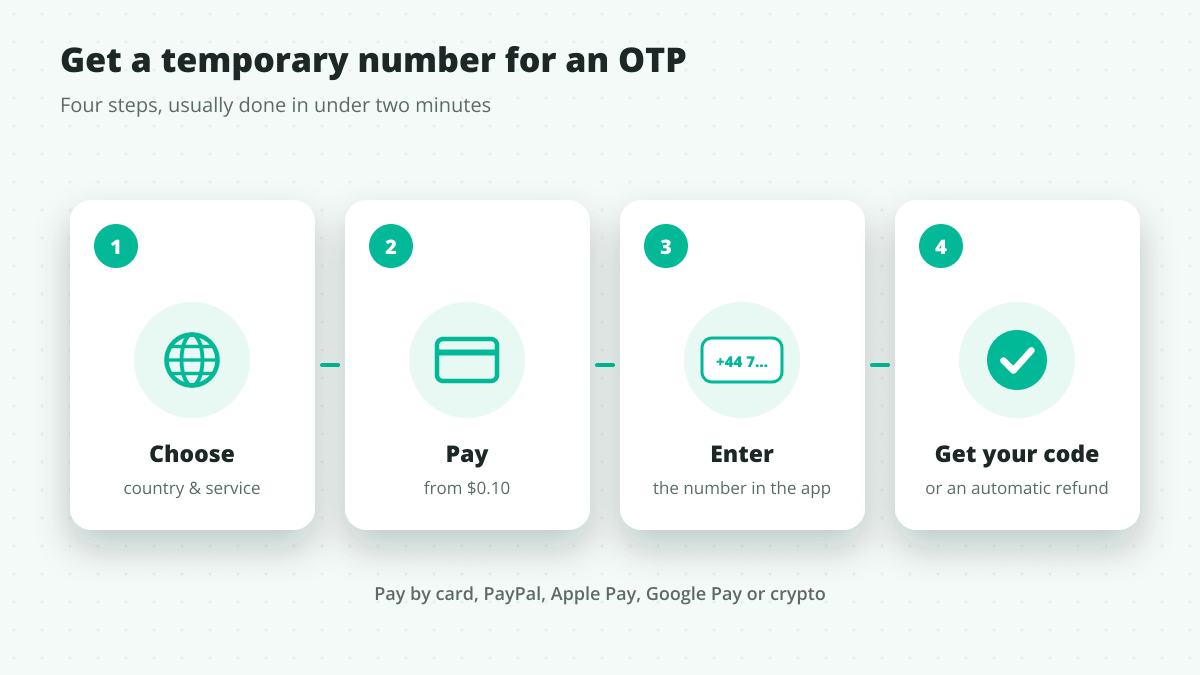
- Open Bitcall OTP numbers and create a free account with just your email.
- Pick the country and the service you are verifying, for example WhatsApp USA or Telegram UK.
- Pay from $0.10 by card, PayPal, Apple Pay, Google Pay or crypto (BTC, USDT, ETH).
- Enter the number in the app and request the code.
- The code appears in your OTP panel. If the SMS doesn't arrive within 20 minutes, you get an automatic refund.
Step-by-step with screenshots: how to purchase and use OTP services.
If the code doesn't arrive
- Check the service and country you picked. A number bought for one app is meant for that app's code.
- Request the code once, then wait. Asking again and again can make the app slow down or pause sending.
- Enter the number in international format if the app asks for it, with the right country selected.
- Use the refund. With Bitcall, if no SMS arrives within 20 minutes, the refund is automatic and you can try another number.
Temporary numbers for WhatsApp, Telegram and Facebook
Messaging and social apps are among the strictest about VoIP numbers, so a SIM-based number matters most here. A few tips:
- WhatsApp: choose a country where WhatsApp is widely used, and enter the code straight away. Guide: virtual number for WhatsApp.
- Telegram: the code can come by SMS or inside the Telegram app on another device; the SMS route is the one a temporary number covers. Guide: virtual number for Telegram.
- Facebook and Instagram: pick the matching service when you buy, and request the code as soon as the number is ready.
Stay safe with temporary numbers
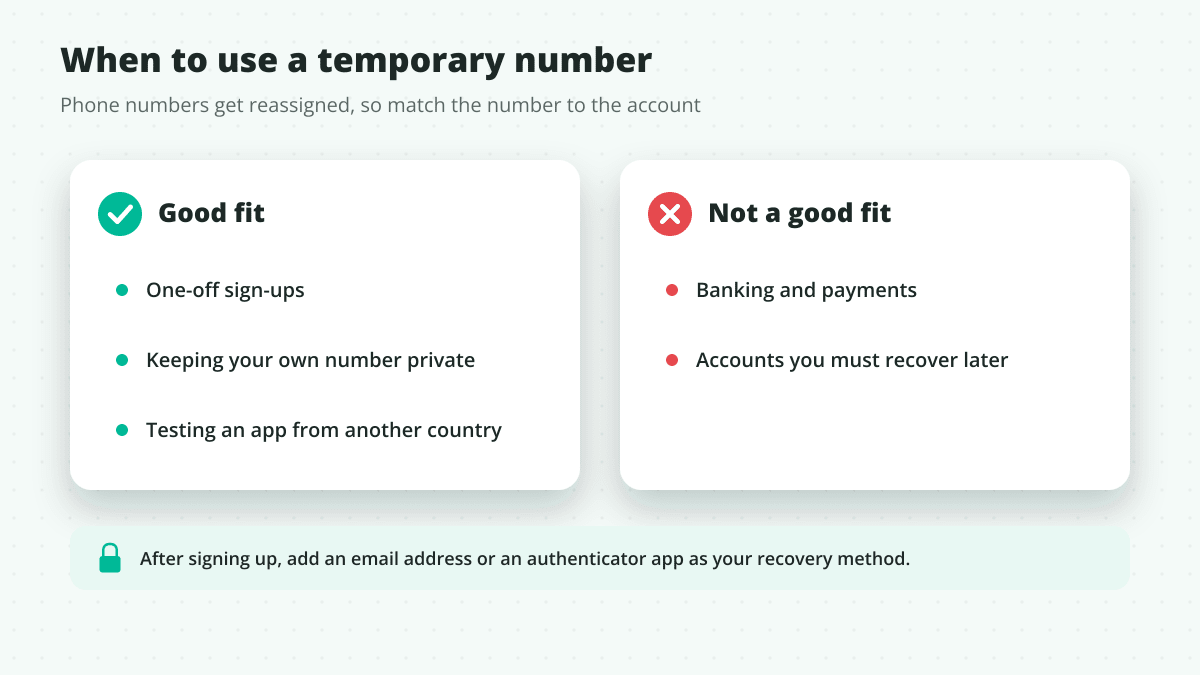
- Don't use them for banking or any account you must be able to recover. Numbers are reused: the FCC runs a Reassigned Numbers Database in the US because disconnected numbers go to new customers.
- Add a recovery method right after signup: an email address or an authenticator app.
- Follow each service's terms. A second number for privacy is common; using it to break a platform's rules is not.
FAQ
Can I get a temporary phone number for verification for free?
Yes, from public receive-SMS sites, but the number is shared, the code is visible to anyone, and most apps already block those numbers.
How long is a temporary number mine?
Long enough to receive your code. With Bitcall, if the SMS doesn't arrive within 20 minutes, you get an automatic refund.
Why does an app say "this number can't be used"?
The app ran a line-type check and the number came back as VoIP or landline, or the number was already used too often for that app.
Is a temporary number the same as a non-VoIP number?
Not always. "Temporary" describes how long you use it; "non-VoIP" describes the type of number. For verification you want both: temporary and SIM-based.
How AI Voice Agents Connect to Phone Numbers: SIP Trunking & BYOC (2026)
Non-VoIP Numbers Explained: Free vs Paid
Related posts
Non-VoIP Numbers Explained: Free vs Paid
On This Page
What is a temporary phone number for verification?
Why free temporary numbers usually fail
Temporary numbers vs phone-number apps
Free vs paid temporary numbers
How to get a temporary number for an OTP
If the code doesn't arrive
Temporary numbers for WhatsApp, Telegram and Facebook
Stay safe with temporary numbers
FAQ