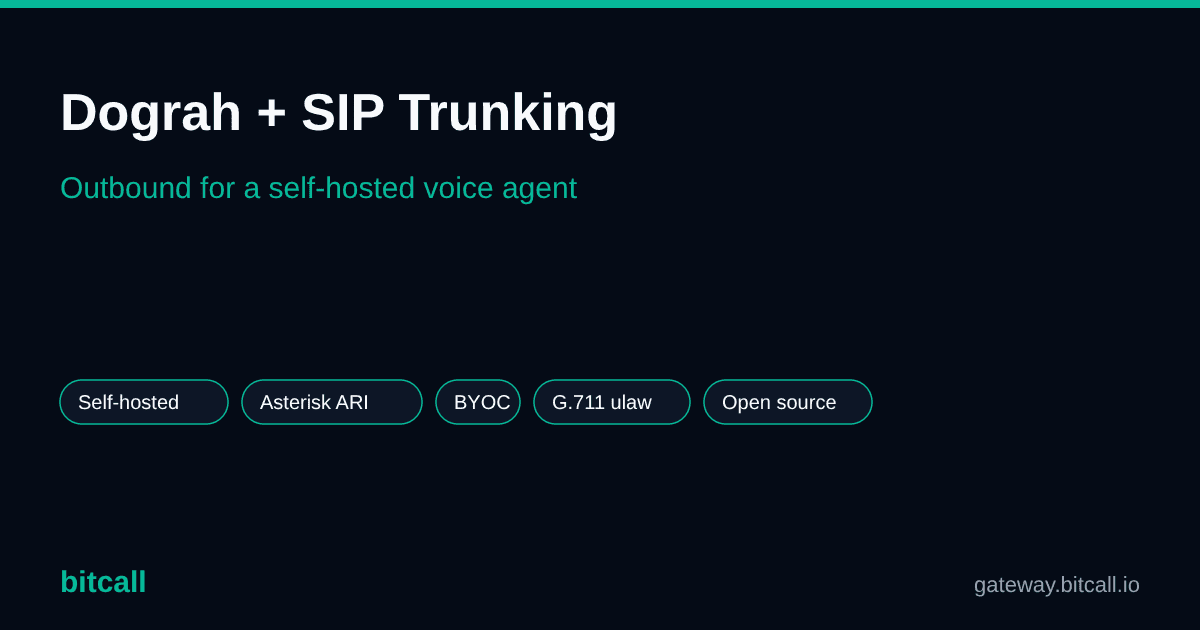
Dograh + SIP Trunking: Outbound Calling for a Self-Hosted Voice Agent
Dograh + SIP Trunking: Outbound Calling for a Self-Hosted Voice Agent
How the open-source, self-hosted Dograh voice agent makes outbound calls, how it connects to your own SIP trunk via Asterisk (ARI), and where Bitcall fits.
What is Dograh?
Dograh is an open-source voice AI platform you can run yourself with Docker. It positions itself as a self-hosted alternative to managed platforms like Vapi and Retell, and it's one of the faster-growing open-source projects in the space. Highlights:
- A visual workflow builder for designing the agent's conversation.
- Bring your own keys for the LLM, speech-to-text, text-to-speech — and telephony.
- Self-hosting for teams that want their data and call flow on their own infrastructure.
- MCP-native, so it slots into modern AI tooling.
How does Dograh make outbound calls?
Dograh has a unified telephony layer with several providers — Twilio, Vonage, Plivo, Telnyx, Cloudonix, Vobiz, and Asterisk (ARI), plus a custom-provider path. The same configuration powers both outbound calls (initiated from a workflow or campaign) and inbound calls. For outbound, you mark a telephony configuration as the default outbound and Dograh originates calls through it.
For a true bring-your-own-carrier setup on self-hosted infrastructure, the Asterisk ARI provider is the path: Dograh controls your Asterisk PBX over the Asterisk REST Interface and streams audio over a WebSocket, while Asterisk places the call out over your SIP trunk.
Why bring your own SIP trunk to Dograh?
If you've chosen Dograh, you probably value control — and BYO SIP trunking extends that to the phone layer:
- Data and infrastructure control. Keep the whole stack, including the carrier connection, on infrastructure you run.
- Lower per-minute cost. A direct carrier plus per-second billing beats marked-up bundled minutes, especially across high outbound volumes.
- Coverage and caller-ID control. Choose A‑Z routes and the caller ID that suit your campaigns.
How does Dograh connect to your own SIP trunk?
The chain looks like this:
Dograh (ARI + external media) → your Asterisk PBX → your SIP trunk → the PSTN.
Two technical details matter when you wire this up:
- Dograh's external-media audio is G.711 μ-law (
ulaw), so the SIP trunk endpoint in Asterisk must allowulaw— otherwise you get a connected call with no audio. - You configure Asterisk's ARI (an ARI user, the HTTP server, a Stasis dialplan entry, and a WebSocket external-media client), then point Dograh's Asterisk ARI provider at it.
The full, copy-paste setup — including the exact Asterisk config and the Bitcall trunk — is here: Connect Dograh to Bitcall (Outbound Calling via Asterisk).
What makes a good outbound SIP trunk for Dograh?
- G.711 /
ulawsupport to match Dograh's external media (no transcoding, lower latency). - Low-latency routing between your Asterisk and the carrier.
- Caller-ID (CLI) control and HLR validation for clean outbound.
- Per-second billing and no contracts.
- Elastic concurrency and A‑Z coverage for campaigns.
And the usual reliability note: if AI calls drop after ~30–60 seconds, that's an RTP inactivity timeout during the agent's thinking gaps — a configuration fix on the media path, not a carrier limit. See AI voice calls dropping after 30 seconds.
Using Bitcall as your Dograh outbound carrier
Bitcall is the outbound SIP trunk underneath your Asterisk:
- From $0.01/min with per-second billing to 195+ countries, strong CLI/NCLI routes across Africa, the Middle East, Asia, and Europe.
- No contracts, no minimums; prepaid top-ups by card, PayPal, or crypto.
- SIP-native with SRTP/TLS, plus HLR Lookup to clean dialing lists.
Scope today: Bitcall powers outbound calling. Inbound numbers (DIDs) are on the roadmap.
Ready? Follow Connect Dograh to Bitcall (Outbound Calling via Asterisk).
FAQ
Does Dograh support bringing your own SIP trunk? Yes. Dograh supports several telephony providers, including Asterisk (ARI), which lets you route calls through your own Asterisk PBX and SIP trunk — plus a custom-provider option.
Is Dograh self-hosted? Yes. Dograh is open-source and runs on your own infrastructure via Docker, which is its main appeal versus fully managed platforms.
What codec should the SIP trunk use with Dograh?
G.711 μ-law (ulaw), to match Dograh's external-media audio and avoid transcoding. Set allow=ulaw on the Asterisk trunk endpoint.
Why do my Dograh calls drop after 30 seconds? Almost always RTP keepalives aren't configured. Enable keepalives/comfort-noise and raise the RTP timeout to at least 60 seconds.
Related resources
- Connect Dograh to Bitcall (Outbound Calling via Asterisk) — the step-by-step how-to
- SIP trunking for AI voice agents — the full explainer / pillar
- AI voice calls dropping after 30 seconds — troubleshooting
International Outbound Calling for AI Voice Agents: What Actually Matters
Best Outbound SIP Trunk Providers for AI Voice Agents (2026)
Related posts
How AI Voice Agents Connect to Phone Numbers: SIP Trunking & BYOC (2026)
International Outbound Calling for AI Voice Agents: What Actually Matters
Best Outbound SIP Trunk Providers for AI Voice Agents (2026)
Auf dieser Seite
What is Dograh?
How does Dograh make outbound calls?
Why bring your own SIP trunk to Dograh?
How does Dograh connect to your own SIP trunk?
What makes a good outbound SIP trunk for Dograh?
Using Bitcall as your Dograh outbound carrier
FAQ
Related resources
Bitcall Team
authorBrauchst du weitere Hilfe?
Du findest nicht, wonach du suchst? Unser Support-Team hilft gerne.
Kontaktiere uns