Trusted IP vs SIP Credentials on Bitcall Which One Should You Use?
Trusted IP vs SIP Credentials on Bitcall Which One Should You Use?
Learn the difference between SIP Credentials and Trusted IP authentication on Bitcall — and choose the right method for your setup in seconds.
What You Will Need
An active Bitcall account go to panel.bitcall.io
A SIP account already set up in your dashboard
What Is This Article About
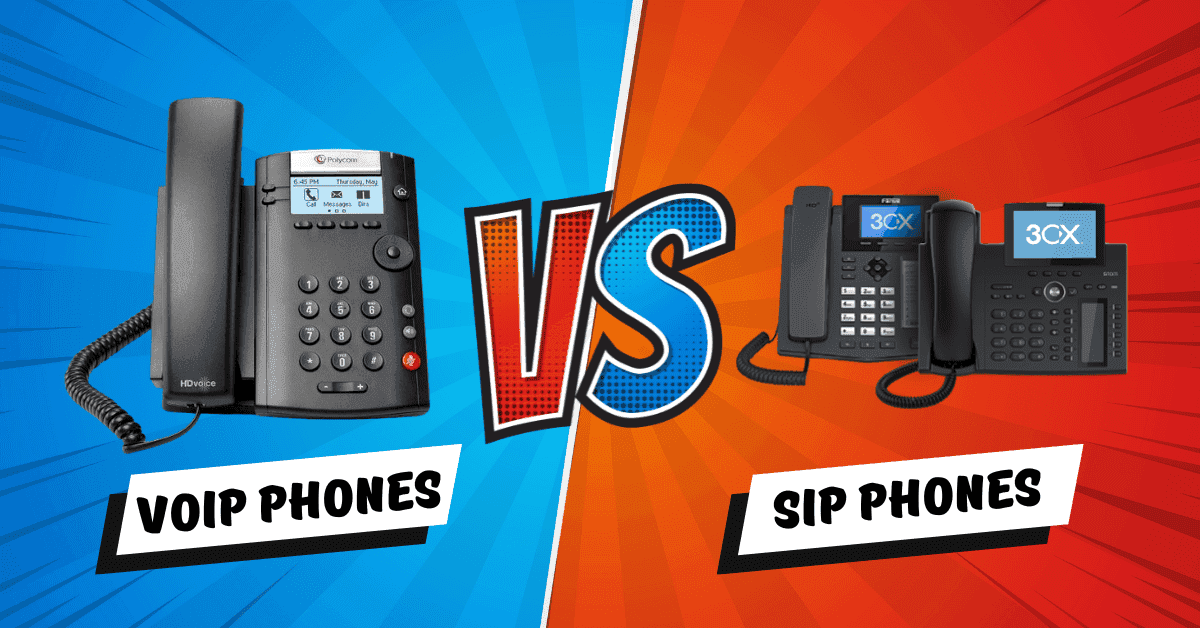
When you configure your SIP connection on Bitcall, you need to choose how your connection will be authenticated. Bitcall offers two methods SIP Credentials (username and password) and Trusted IP (IP address authentication). This article explains both, shows you when to use each one, and helps you avoid the most common mistakes.
Quick Comparison
Feature: Authentication method
SIP Credentials: Username + password
Trusted IP (IP Auth): IP address only
Feature: Best for
SIP Credentials: Softphones and mobile apps
Trusted IP (IP Auth): PBX servers and SIP trunks
Feature: Works from
SIP Credentials: Any location dynamic IPs
Trusted IP (IP Auth): Static public IP only
Feature: Devices
SIP Credentials: Zoiper, Linphone, Bria, MicroSIP
Trusted IP (IP Auth): Asterisk, FreeSWITCH, 3CX, Vicidial
Feature: SIP Registration required
SIP Credentials: yes
Trusted IP (IP Auth): no
Feature: Transport
SIP Credentials: UDP,TCP,TLS
Trusted IP (IP Auth): UDR only
SIP Credentials : When and Why to Use Them
Use SIP Credentials when you are connecting from:
A softphone app Zoiper, Linphone, Bria, MicroSIP, Grandstream Wave
A dynamic IP address home networks, 4G/5G, VPNs
Any device that needs to register with Bitcall before making calls
TIP
SIP Credentials work with UDP, TCP, and TLS as long as you use gateway.bitcall.io as your domain.
Trusted IP : When and Why to Use It
Use Trusted IP when you are:
- Running a PBX server Asterisk, FreeSWITCH, 3CX, Vicidial
- Connecting from a static public IP address
- Setting up IP-to-IP SIP trunking where no registration is needed
How it works: You tell Bitcall: "Only accept calls from this IP address." Bitcall allows all traffic coming from that IP no password, no registration required.
IMPORTANT
Important rules:
Your IP must be static and public not behind NAT
Trusted IP only works with UDP transport
Never set both a Trusted IP and SIP credentials on the same account — Bitcall will expect both and authentication will fail
Which One Should I Use?
Your situation | Use this |
|---|---|
Using Zoiper, Linphone, or any softphone app | SIP Credentials |
Running Asterisk, FreeSWITCH, or 3CX on a server | Trusted IP |
On a home network or mobile connection | SIP Credentials |
On a VPS or dedicated server with a fixed IP | Trusted IP |
Need TLS encryption | SIP Credentials |
Common Mistakes to Avoid
❌ Setting both SIP Credentials and a Trusted IP on the same account this causes authentication failure every time.
❌ Using Trusted IP on a softphone that needs to register softphones send REGISTER packets. Trusted IP does not accept them.
❌ Using Trusted IP with a VPN or dynamic IP if your IP changes, the connection drops randomly.
Expected Result
Your SIP connection is authenticated correctly. If using SIP Credentials, your softphone shows a green Registered status. If using Trusted IP, outbound calls go through without registration as long as your IP matches perfectly.
Troubleshooting
Authentication keeps failing even with correct credentials: Check whether you have both a Trusted IP and SIP credentials set. Remove one.
Trusted IP was working and suddenly stopped: Your server's IP may have changed. Check your current public IP at whatismyip.com and update it in the panel.
Not sure if my IP is static or dynamic: Contact your hosting or internet provider. Cloud VPS providers always give static IPs.
No previous post
What Is Bitcall and How It Works
On This Page
What You Will Need
What Is This Article About
Quick Comparison
SIP Credentials : When and Why to Use Them
TIP
Trusted IP : When and Why to Use It
IMPORTANT
Which One Should I Use?
Common Mistakes to Avoid
Expected Result
Troubleshooting