How to Request a Feature, Route, or Integration +
How to Request a Feature, Route, or Integration +
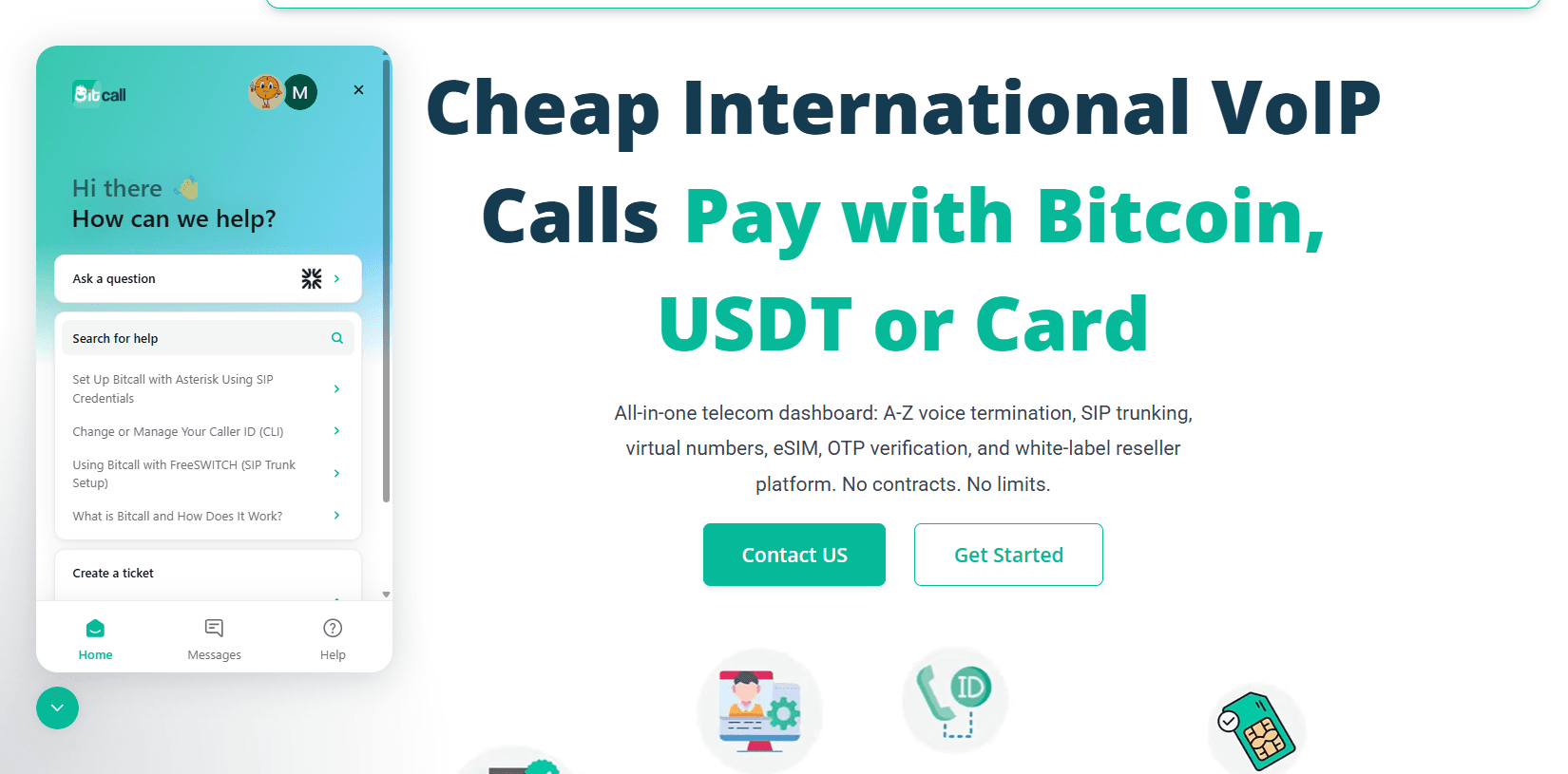
Learn how to submit a request for a new destination route, panel feature, eSIM coverage, or API integration and ensure your request is tracked correctly.
What You Will Need
An active Bitcall account.
A clear description of the destination or feature you need.
Your TTN (Ticket Tracking Number) which you will receive after submitting.
What You Can Request
You can ask for anything that would improve your experience, including:
New Routes: Specific countries or operators not yet in the panel.
CLI/Non-CLI Support: High-quality or unrestricted routes for call centers.
Product Features: New buttons, filters, or tools in the Bitcall dashboard.
eSIM Expansion: Data plans for a country we don't cover yet.
API Support: Help with custom integrations or new endpoints.
Step 1 : Submit Your Request
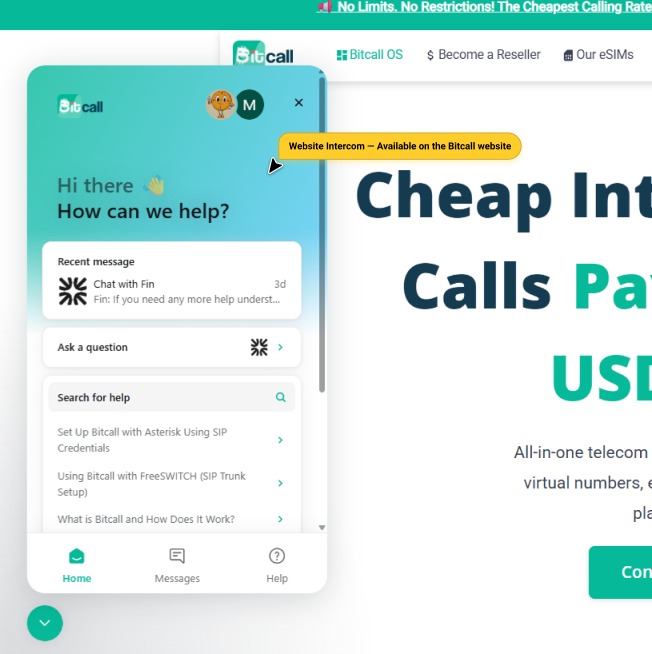
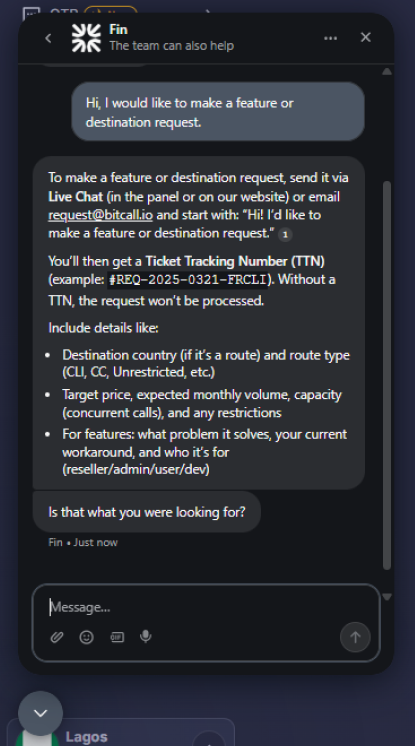
Contact the team via Live Chat or Email ([email protected]). Start your message with: "I would like to make a feature/destination request."
The Ticket Tracking Number (TTN)
Once your request is logged, the team will give you a code like #REQ-2025-XXXX. ⚠️ IMPORTANT: Save this number. Without a TTN, your request is not officially in the queue.
Step 2 : Include the Right Details
For Routing Requests, please provide these details in your message:
Target Destination: (e.g. Niger Mobile, France Mobile).
Type of Route: (e.g. CLI, CC, or Unrestricted).
Target Price: (e.g. Below $0.05 / min).
Expected Volume: How many minutes per month you plan to send.
Capacity: How many concurrent calls you need at once.
Step 3 : Tracking & Approval
Weekly Review: Every Wednesday, the team reviews all requests.
Prioritization: Requests with high volume or "Reseller Status" are prioritized.
Deployment: If the route or feature is added, you will be notified via email or chat first.
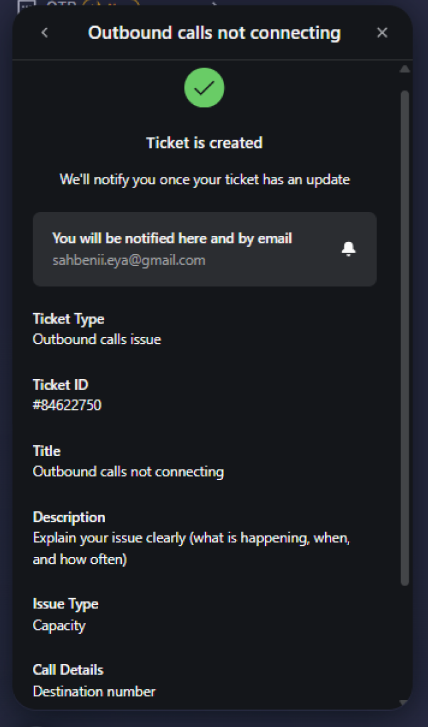
Expected Result
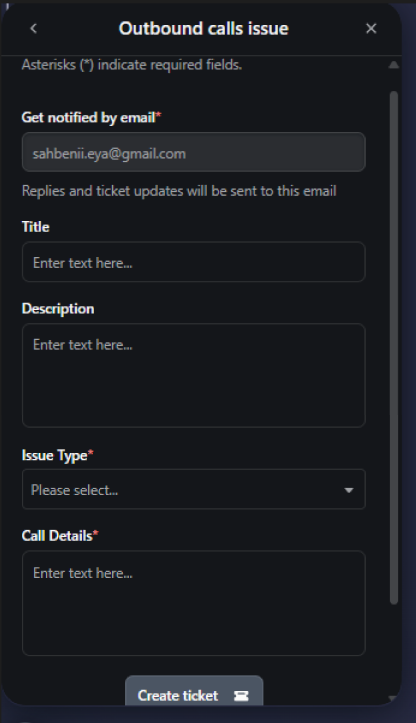
Your request is logged in the system and assigned to the Routing or Development team. You can check the status at any time by quoting your TTN to a support agent.
Troubleshooting
No TTN received: If the agent didn't give you a number, ask for one! It's the only way to be 100% sure your request is being handled.
Request Denied: Sometimes a route isn't feasible due to carrier restrictions. We will always tell you clearly if we cannot fulfill a request.
Long Wait: Complex features (like API changes) can take weeks. Routing changes usually happen within 3–5 business days.
No previous post
How to Contact Bitcall Support